
Elegant Zoom-Out & Fade-Out Scroll Effects in Divi 5
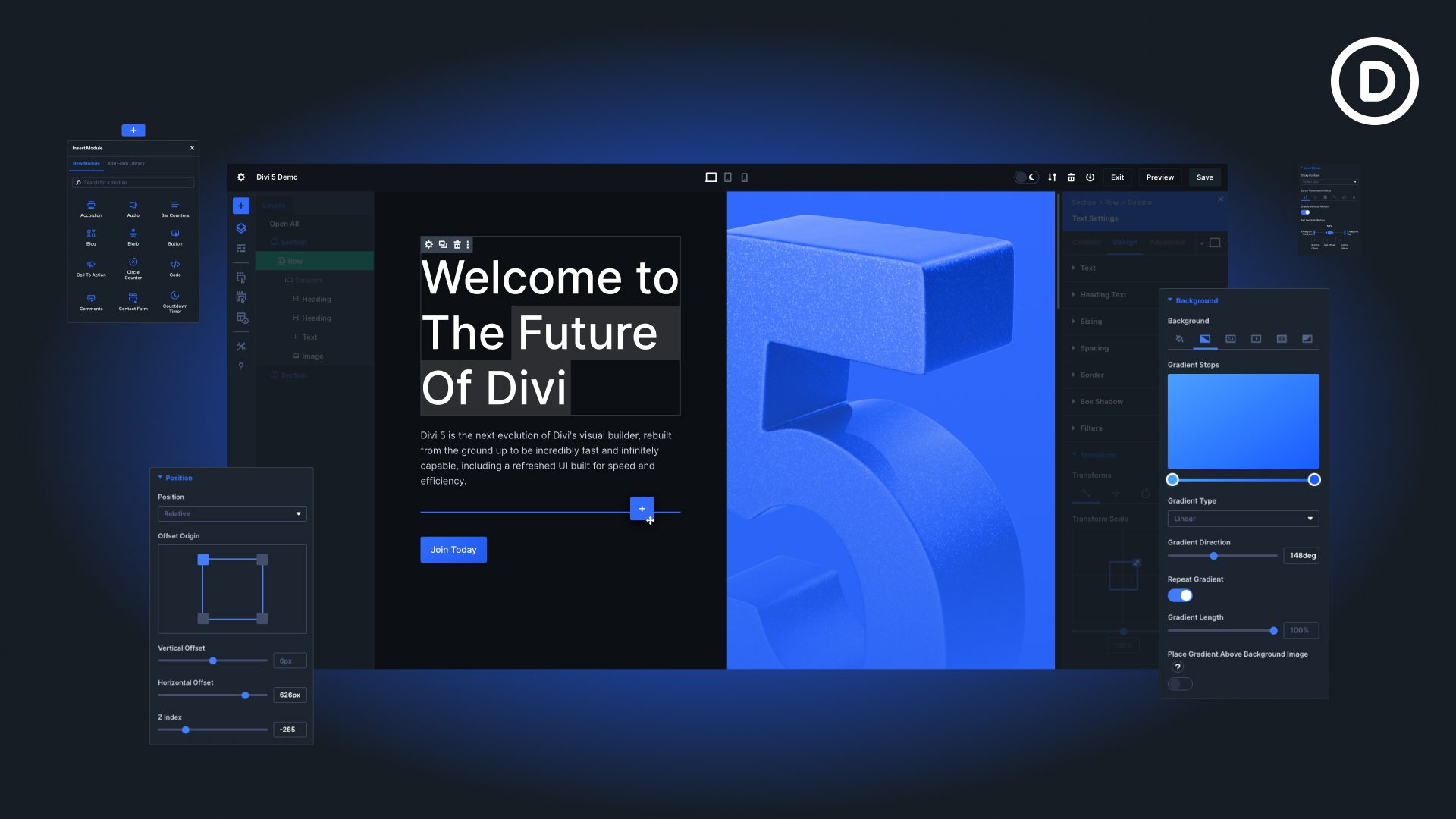
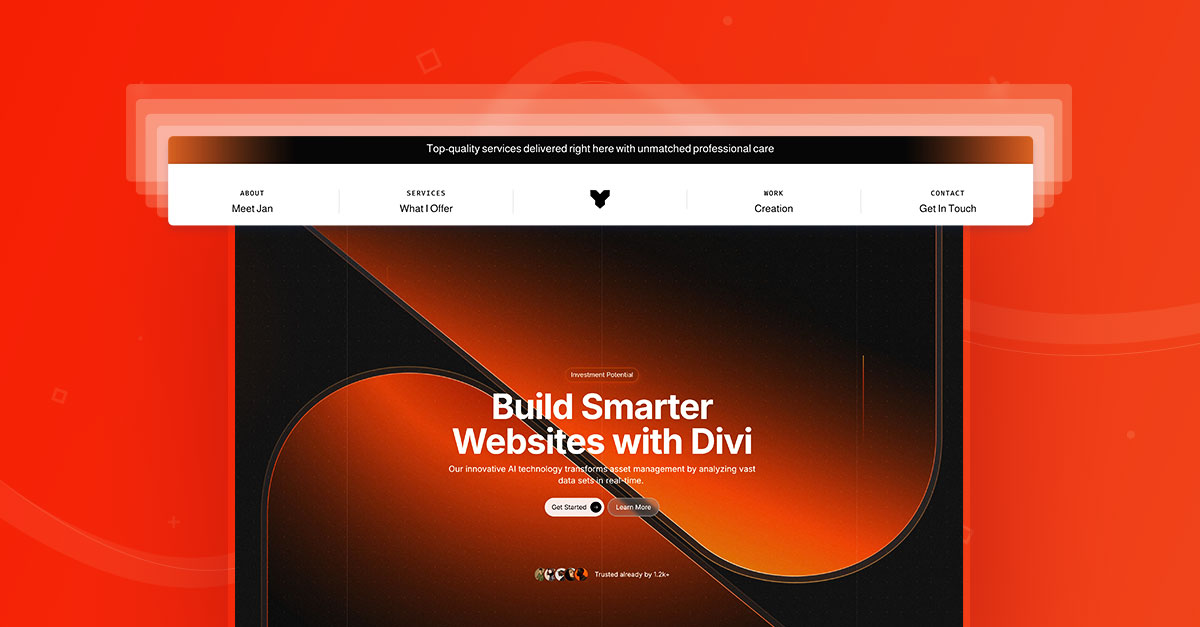
Divi 5 is in its final Beta stage, and we can expect the official version to be released very soon. In this article, we’re excited to share a beautiful Divi layout that leverages Divi Scroll Effects to bring sections to life. If you’re eager to explore Divi 5’s capabilities, this demo layout is a great place to start.
Divi Scroll Effects are versatile and easy to implement. You can apply effects like fade, scale, translate, rotate, and skew to rows, sections, or individual modules. These effects can be triggered as the visitor scrolls down the page, giving you total control over how content appears, disappears, or transforms in real time. For example, you could have images zoom out as the user scrolls, text fade in from the side, or even entire sections stick to the top while others scroll past.
Using Divi Scroll Effects is also a great way to optimize the flow of information. For instance, important calls-to-action or features can subtly animate into view, naturally drawing the visitor’s focus. Likewise, content can fade or slide away once it’s no longer the focus, keeping the page clean and visually balanced. This ability to control timing and movement opens up creative possibilities that were previously reserved for custom JavaScript or third-party animation plugins.
Contents
What is Divi 5 Beta?
Divi 5 Beta is the early-access version of Elegant Themes’ completely rebuilt Divi Builder. Designed from the ground up, it introduces significant improvements in performance, flexibility, and scalability, making the builder faster, more powerful, and easier to work with than ever before. Essentially, Divi 5 sets a new benchmark for what you can achieve within the Divi ecosystem.
This Beta version is intended primarily for staging and development environments, allowing designers and developers to explore new features, experiment with layouts, and provide feedback before the stable release. While it’s a great opportunity to get a head start on Divi 5, it’s important to continue using Divi 4 for live projects until the official version is released.
As with any Beta, updates are frequent. Elegant Themes continuously rolls out new features, bug fixes, and enhancements, so keeping your Beta installation up to date ensures you’re testing the latest improvements.
Divi 5 Beta also gives you early access to Divi Pixel modules like the Hover Gallery, Filterable Grid, and more. Familiarizing yourself with these modules now will help you fully leverage the new capabilities of Divi 5 when the stable release arrives, giving you a head start on building advanced, interactive websites.
Bring Sections to Life with Divi 5 Scroll Effects
In our demo layout, we use the Divi 5 Scroll Effects alongside the Stick To Top functionality. However, building this effect wasn’t straightforward. Here’s why:
Applying any scroll effect—such as fade, translate, or scale—to a row automatically adds a CSS transform. Unfortunately, this prevents Stick To Top from working correctly, because it only sticks relative to its nearest scrollable ancestor without a transform applied.
Our solution:
• We placed rows inside separate sections.
• Stick To Top was applied to the sections instead of the rows.
• Scroll Effects were applied to the rows inside those sections.
Additionally, we had to tweak the z-index for each section using CSS, since the z-index in the Position toggle didn’t work as expected. With these adjustments, we were able to create a smooth, dynamic scrolling effect across multiple sections and rows.

How to Add a Scroll Sections to Your Divi 5 Website
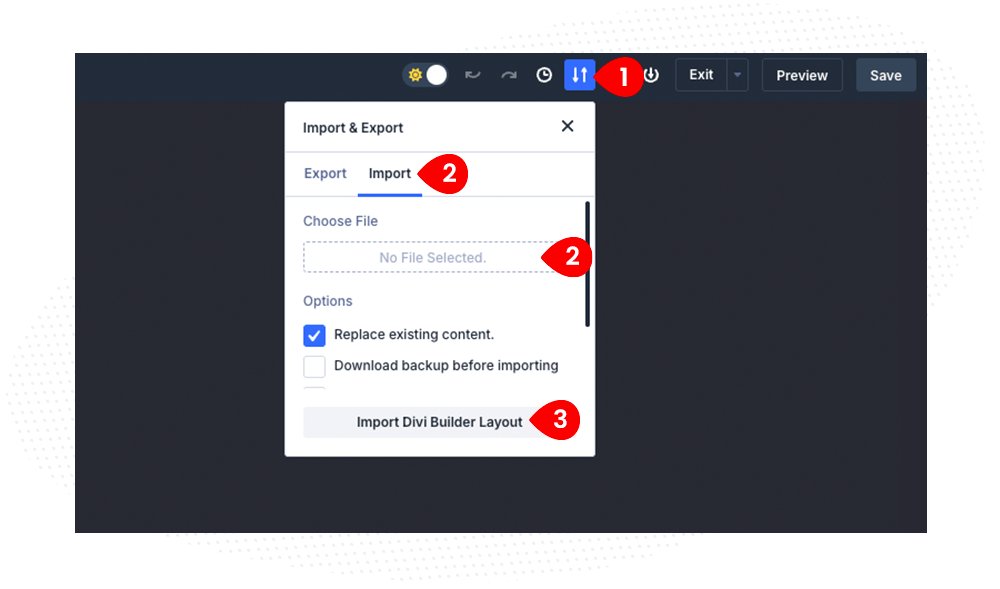
These sections are available as a ready-to-use layout. The download comes as a compressed file, so you’ll first need to extract it. Once extracted, create a new page in Divi and import the layout by using the Export/Import option in the settings.
- Create a new page, and click the Import & Export icon
- Switch to Import tab, and select the downloaded JSON file (once extracted).
- Click Import Divi Builder Layout
We hope this free layout inspires you to experiment with Divi 5 and its powerful new features. Dive in, explore, and start bringing your sections to life!

Maciej Ekstedt
Maciej, co-founder of Divi Pixel, is a passionate web designer with over 15 years of experience. He has developed dozens of loved Divi products that have earned recognition from the global community. When he's not working on new ideas, he enjoys gardening, walking his dog, and spending time with friends.
Enhance your Divi Theme with Custom Settings and New Modules. Start Creating Awesome Websites with the Divi Pixel
We offer a 14 Day Money Back Guarantee, so joining is Risk-Free!
I really like this effect; it’s cool and intuitive. I would love to see more subtle animations like this. Happy season! Cheers!