

Spotlight Effects for Divi 5
A glow that follows the cursor across your pricing card. A bright line tracing the border of a feature box. A slow drift of light on a card nobody has touched yet. Add a cursor-aware highlight to any Divi 5 section, row, column or module — pick a style, and you’re done.

Divi 5 Ready
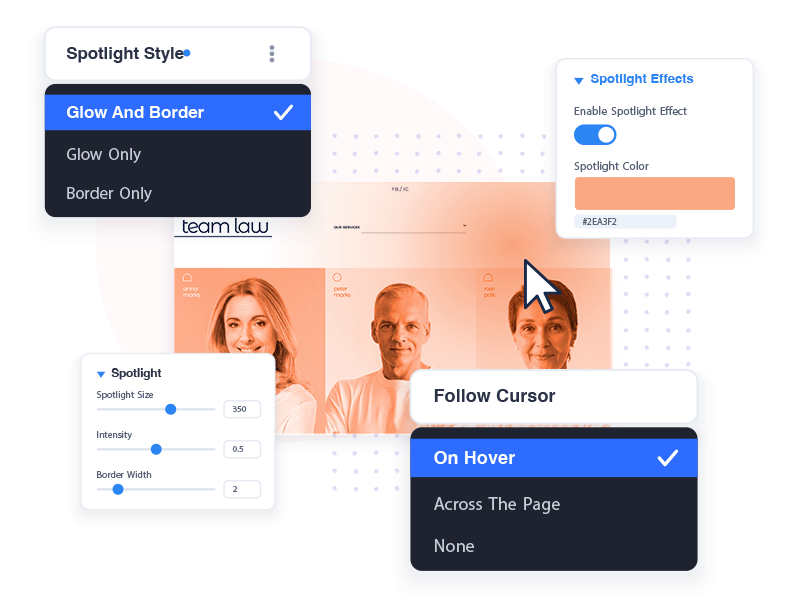
Follow the cursor
Let your layout react to the visitor
Spotlight Effects turns any element into a light source: a soft glow, a bright line around its border, or both — in one color or two for a gradient, at the size and intensity you choose. It follows the cursor on hover, leans toward it from across the page, or drifts along a path of its own. All inside the Visual Builder, with a live preview. No CSS, no extra module, no third-party library.
Not just Cards
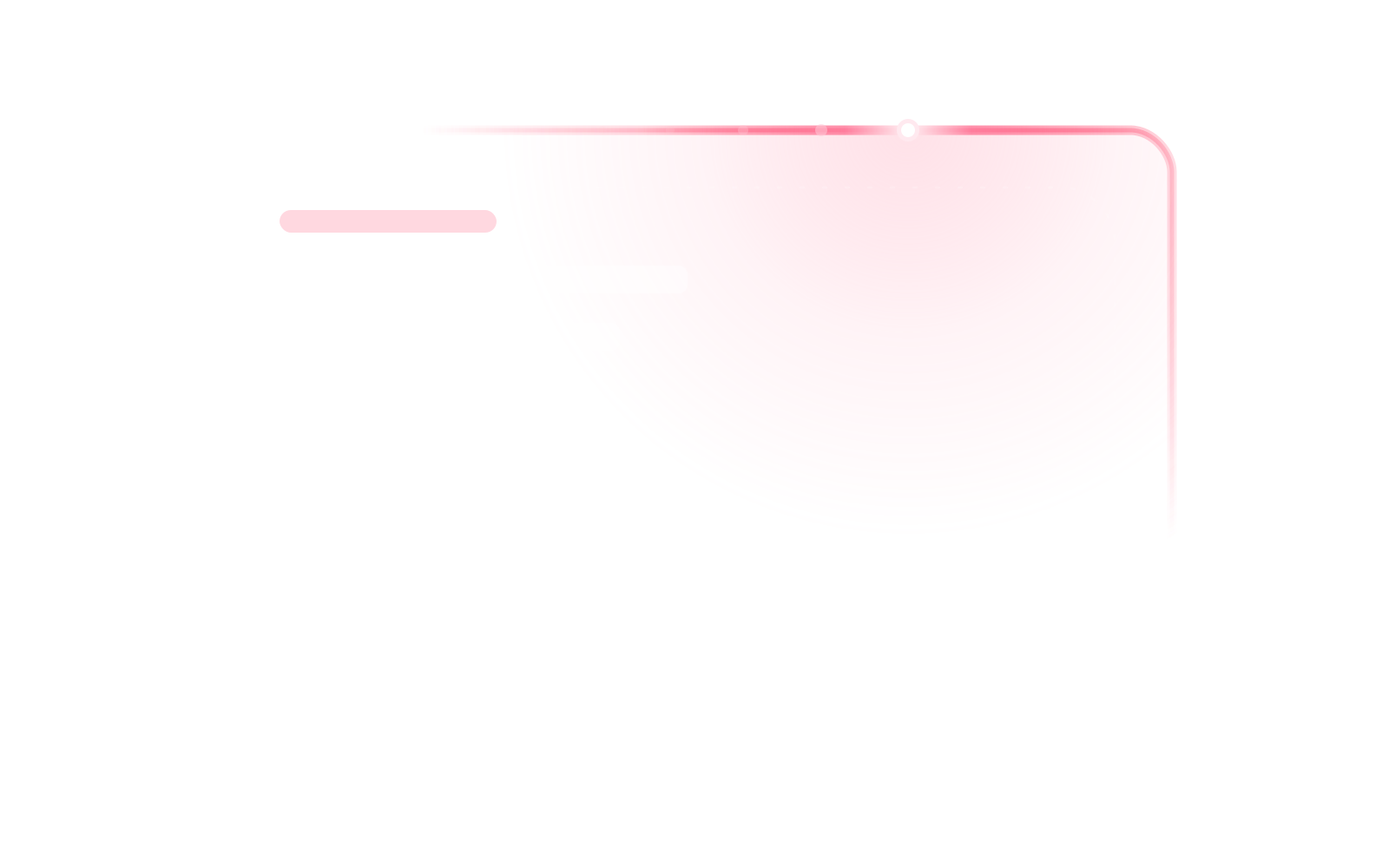
The spotlight is not only for small elements. This whole section has one: move your cursor across it and the light follows, lifting the background as it goes and picking out the edge as it passes. Sections, rows, columns and modules all take the same settings.
Everything Included
One switch, every element
Particle Effects ships with everything you need to design an effect that fits your page, not a generic canned animation.
Three Ways to Light It
A glow across the element, a line around its border, or both.
Works on Every Element
Sections, rows, columns and modules alike.
Follows the Cursor
On hover, from across the page, or not at all.
Lights the Border You Designed
Inherits your radius, matches your border width.
Card by Card
Blog posts, portfolio items and gallery images each light up on their own.
One Color or Two
A single hue, or a second one for a gradient.
Moves on Its Own
Five paths, from a slow circle to a figure eight.
Built to Stay Fast
No stylesheet at all. Loads only where it is used, pauses off screen.
Made to be noticed
It follows the cursor, lights every card in a grid on its own, or moves before anyone arrives. The button below is doing the last one — hover it and it hands over.
Follows the Cursor
The light tracks the pointer across the card, or leans toward it from anywhere on the page.

Card by Card
On a blog or a gallery, every item lights on its own. Enable it once on the module.
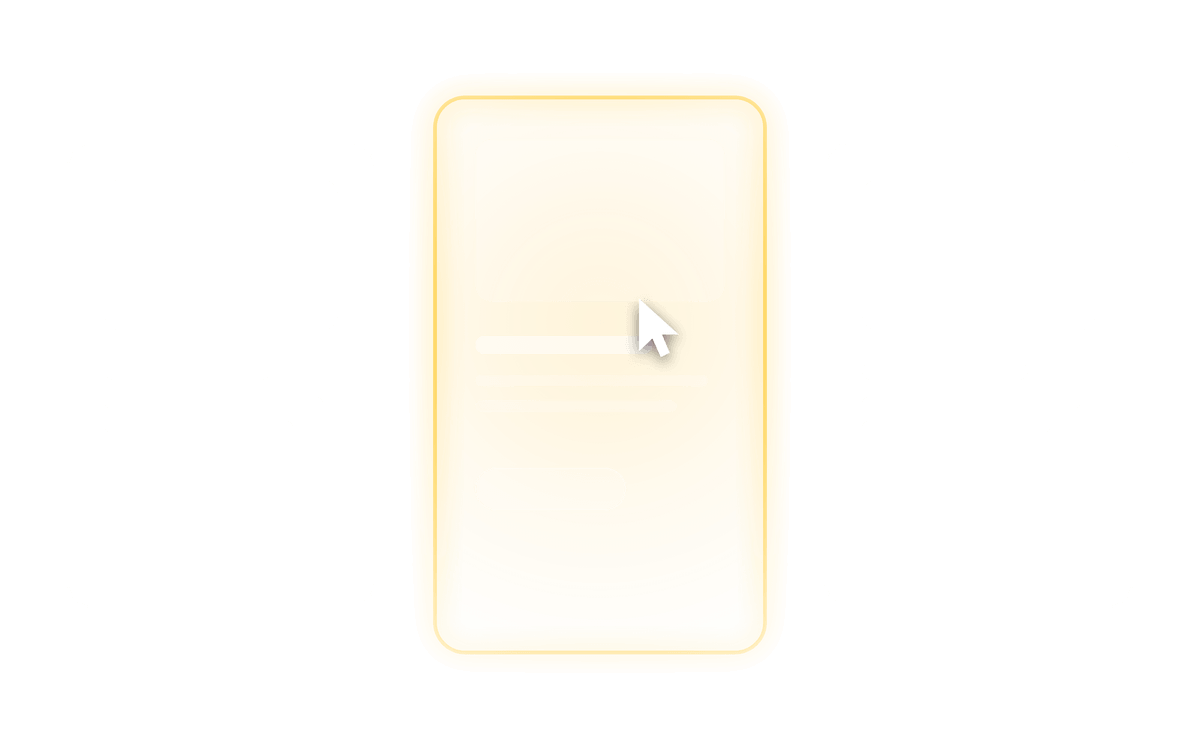
Moves on Its Own
Set it animating and the light circles the edge until a visitor takes over.
Three Steps
From any element to a finished effect
1
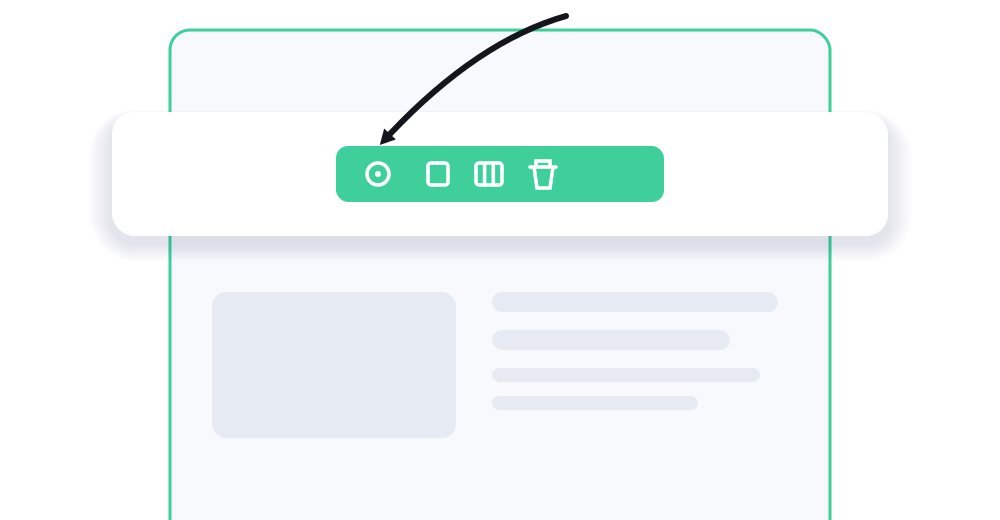
Open any element
Hover a section, row, column or module in the Visual Builder and open its settings.
2
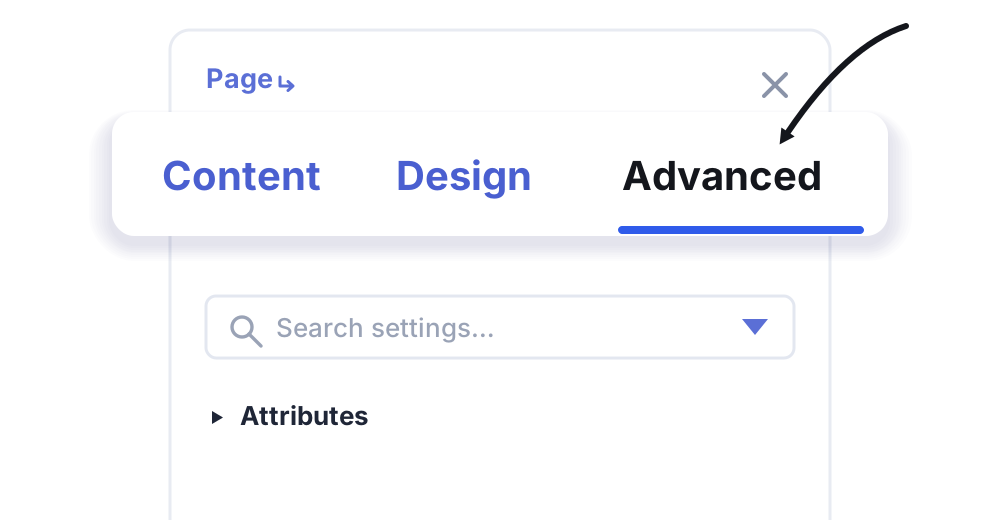
Go to Advanced
Switch to the Advanced tab and find the Spotlight Effects group.
3
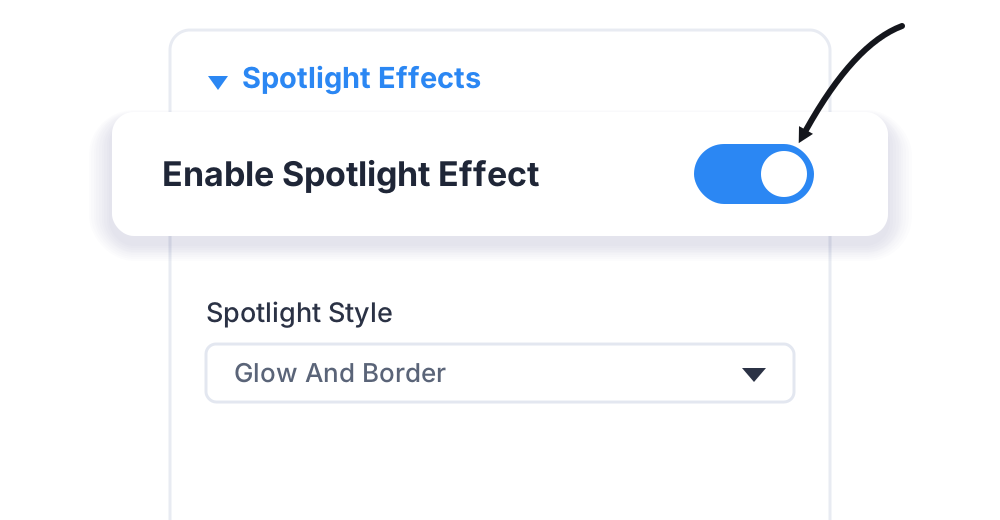
Switch it on
Toggle Enable Spotlight Effect, then set the style, colour and size.
STILL WONDERING?
The short answers
Enhance your Divi Theme with Custom Settings and New Modules. Start Creating Awesome Websites with Divi Pixel
We offer a 14 Day Money Back Guarantee, so joining is Risk-Free!