Card Stack & Conversation Modules Now Available for Divi 5
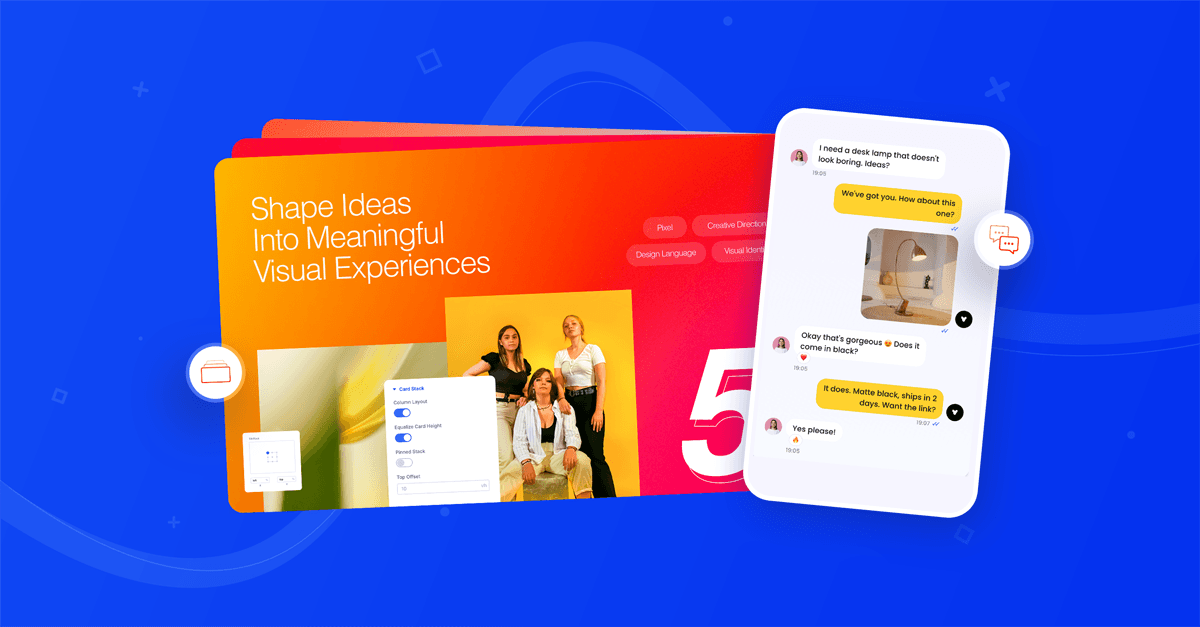

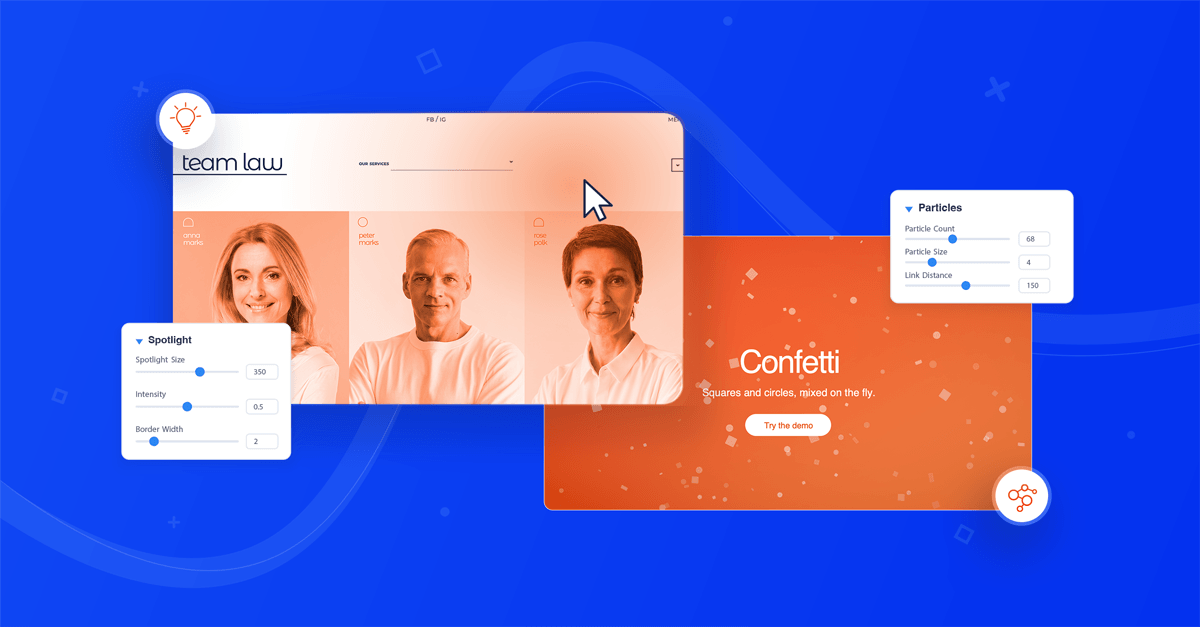
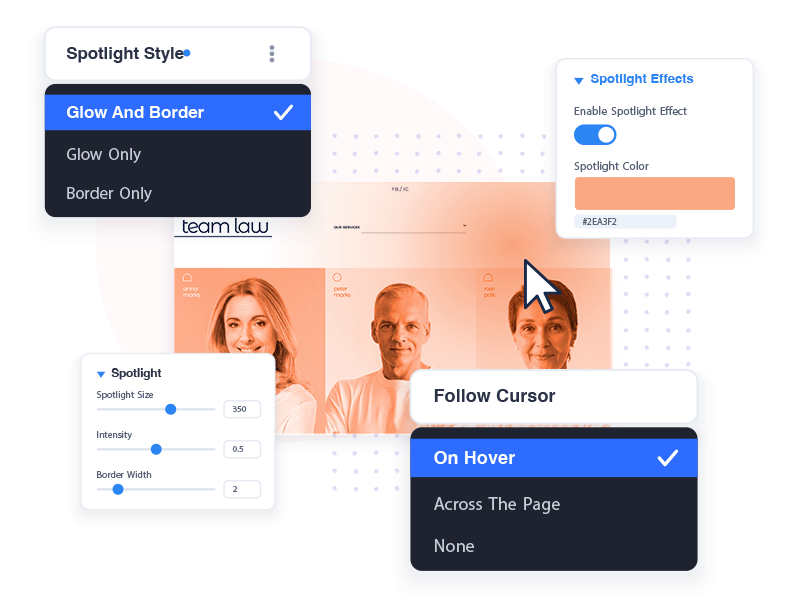
Two weeks ago we shipped Particle Effects and Spotlight Effects, the first Divi Pixel features built only for Divi 5. This release brings two new modules, and both are about motion that follows the visitor: the Card Stack and the Conversation module.
The last update added a cursor-tracking glow and animated particle backgrounds to every Divi 5 element, plus autoplay for Advanced Tabs and progress bars for Hover Gallery and Advanced Tabs. This time we built two modules you drop on the page. The Card Stack turns a set of cards into a scroll-driven stack. The Conversation module turns a list of messages into a chat that types itself out as it scrolls into view. Both are native Divi 5 modules, so everything is set up in the Visual Builder with live preview.
Contents
Card Stack: cards that stack as you scroll
As visitors scroll, each card glides in and lands on top of the one before it. The covered cards get pushed back with tilt, scale, fade and blur. It works well for features, process steps, case studies or pricing plans, anywhere you want people to take in one card at a time.
Every card is a regular Divi Group, so a card can hold any modules you like: headings, text, images, buttons, icons. A new Card Stack comes with four sample cards, each with its own background color, box shadow and Call To Action, so you see the effect right away and just swap in your content.
What you can control:
- Two layouts. In Column Layout the cards sit in one column and each one sticks as the next scrolls in. Turn it off and the page pauses while the cards land on the stack.
- Entry and exit direction. Pick where cards come from and where covered cards are pushed to, at any angle from 0 to 360°.
- Tilt, scale, fade and blur. Set these separately for waiting cards and for covered cards. For example, fan the covered cards out like a hand of cards, or have new cards sharpen from a blur as they land.
- Auto Scroll. Each wheel turn or swipe plays the whole animation to the next card, so every scroll shows exactly one card.
- Top Offset and Detect Menu. The stack stays below your fixed or sticky header automatically.
- Reduced motion. If a visitor's system asks for reduced motion, the cards just show in their normal layout without the animation.
Conversation: chats that type themselves out
Some content reads better as a dialogue than as a paragraph: a support exchange, a booking, a product recommendation, a happy client telling a friend about you. The Conversation module builds a realistic chat and plays it message by message as it scrolls into view, typing indicator included.
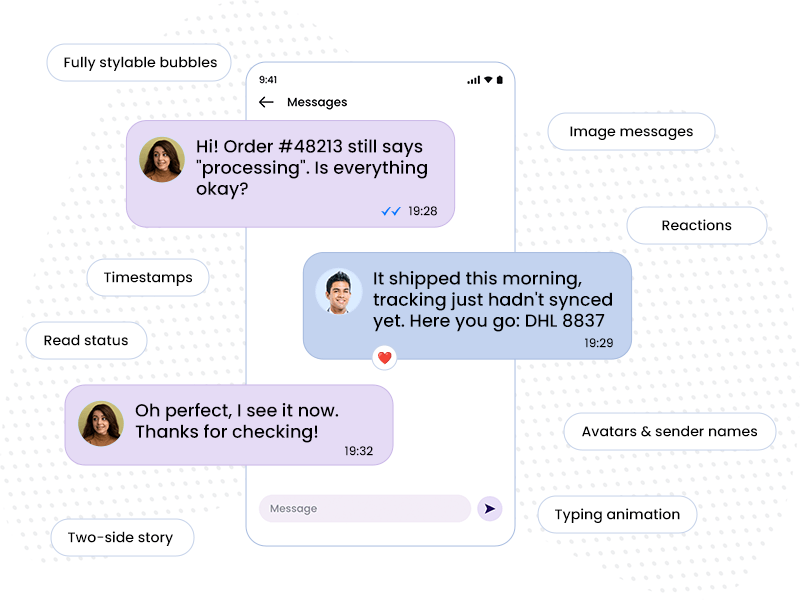
Each message is its own child module, so you set the side, sender, avatar, timestamp, read status and reactions per bubble. Messages can be text, images or a sticker.
What you can control:
- 11 chat styles, mobile and desktop. Six mobile styles — iOS, iOS Dark, Material, Material Dark, Blue Messenger and Green Messenger — draw the chat inside a phone, with their own header and footer. Three desktop styles follow the look of a messenger window: Light Messenger and Dark Messenger come with a header, Minimal Messenger with a header and a footer. On top of those, Neutral / Custom is a clean base for your own colors, and Auto (Follow Device) picks the style from the visitor's device, so Apple visitors get the iOS look and everyone else the Material one.
- Typing simulation. A typing indicator runs before each message. You set the typing duration and the delay between messages, and Randomize Timing keeps the pace from feeling mechanical.
- Scroll trigger and replay. Set how much of the module must be visible before the chat starts, and play it once per page load or every time it enters the viewport.
- Message types. Text bubbles, images (pick several and they are laid out as a photo group) and stickers, which show as a large image with no bubble.
- Chat details. Avatars, sender names, timestamps, bubble tails and read status (sent, delivered, read). Set them for the whole chat, then override any of them on a single message, including the typing indicator.
- Reactions. Add emoji reaction badges to any bubble, like people do in a real chat.
- Preview in the builder. Play Conversation replays the whole chat right on the canvas, so you can check the timing without leaving the Visual Builder.
Use it for support demos, onboarding walkthroughs, testimonials that read like a real recommendation, or a product story told in a few messages. Right-to-left languages are handled for you: the incoming and outgoing sides mirror automatically. And if a visitor asks for reduced motion, all messages show at once without the typing animation.
How to use them
- Update Divi Pixel from Dashboard → Updates
- Open a page in the Divi Visual Builder
- Click + and search for Pixel Card Stack or Pixel Conversation
- Edit the sample content, or add your own Groups (Card Stack) or messages (Conversation)
- Adjust the behavior in the module's Design tab and watch it update live
Summary
This release adds two new Divi 5 modules. The Card Stack turns cards into a scroll-driven stack with tilt, scale, fade and blur, and optional Auto Scroll. The Conversation module builds realistic chats in eleven chat styles, with typing animation, read status, reactions and image messages. Together with last release's Particle and Spotlight Effects, that's four new features built for Divi 5 in one month.
Update Divi Pixel from Dashboard → Updates to get both modules. Not using Divi Pixel yet? It includes 50+ Divi 5 ready modules and dozens of theme and builder enhancements, backed by our 14 day money back guarantee.
Want to see what others build with them, share your own layouts or ask questions? Join the on Facebook. We'd love to see what you make with Card Stack and Conversation.

Maciej Ekstedt
Maciej, co-founder of Divi Pixel, is a passionate web designer with over 15 years of experience. He has developed dozens of loved Divi products that have earned recognition from the global community. When he's not working on new ideas, he enjoys gardening, walking his dog, and spending time with friends.
Enhance your Divi Theme with Custom Settings and New Modules. Start Creating Awesome Websites with the Divi Pixel
We offer a 14 Day Money Back Guarantee, so joining is Risk-Free!