QR Code, Background Effects and Animated Gradients for Divi 5
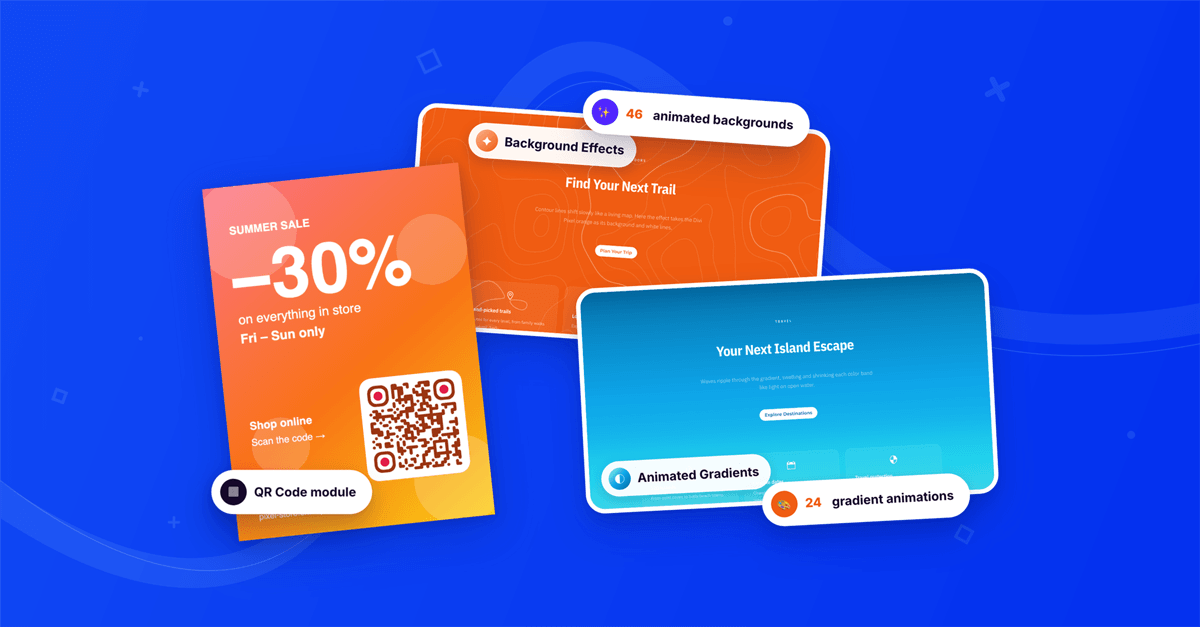

Last release we shipped the WhatsApp Chat, Poll and Vote modules, three ways for your visitors to talk back. This release is about how your pages look and move. It brings a new QR Code module and two new Divi Pixel features for every Divi 5 element: Background Effects and Animated Gradients.
The QR Code module takes your site off the screen and onto menus, tickets, posters and packaging, styled like the rest of your design. Background Effects adds 46 animated backgrounds, from starfields and auroras to fluid ink and neon grids, to any section, row, column or module. And Animated Gradients brings the gradients you already use to life, with one switch in the Background group. Everything is set up in the Visual Builder with a live preview, and nothing needs a line of code.
Contents
QR Code: turn any link into an on-brand code
QR codes are everywhere: on restaurant menus, event tickets, business cards, flyers and the little Wi-Fi card at the café counter. Until now, putting one on a Divi site meant an online generator, a downloaded PNG and a plain black-and-white square that never matched your design. The QR Code module builds the code right inside the Visual Builder and updates it the moment you change the content. The code is generated on your site, with no QR service, no API and no account, so it never expires and never sends your visitors through someone else's redirect.
What you can control:
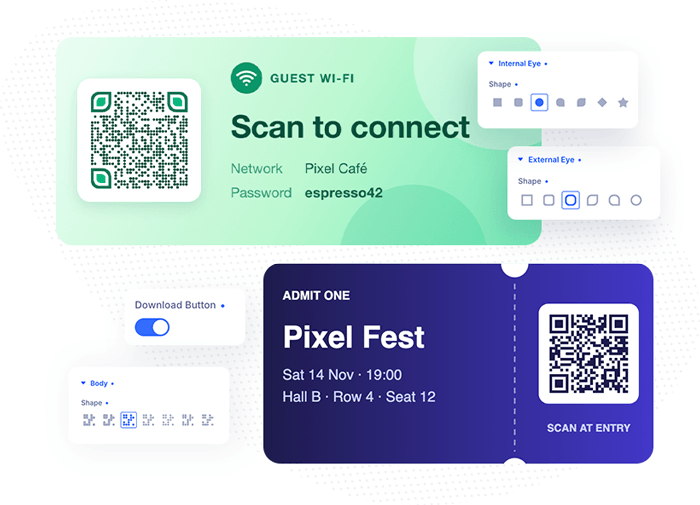
- Any content. A URL, a phone number, an email address, a Wi-Fi login or plain text. Visitors scan a Wi-Fi code and join your network without typing the password. Use Dynamic Content to fill the code from your site's data.
- Shapes. Choose from 7 body shapes, like Dots, Diamonds or Vertical Lines, 6 outer eye shapes and 7 inner eye shapes, including Leaf, Drop and Star.
- Every Divi background, on every layer. The body, the outer eyes and the inner eyes each take a full Divi background: a solid color, a gradient, an image or even a video.
- Logo in the middle. Upload your logo and set its size. The module clears the code behind it and caps the logo size for the chosen Scannability Level, so the code still scans.
- Built-in frames, or your own. Border, Rounded Border and Corners, plus Label and Speech Bubble frames with your own text like "Scan Me" or "Our Menu". Or upload any image as the frame, like a phone, a ticket or a poster, and place the code on it.
- Download button. Turn it on and visitors can save the code as a PNG, frame and logo included.
A styled code is only useful if phones can read it. Scannability Level sets how much error correction the code carries, from Smallest (the least cluttered pattern) to Best (the most damage-resistant pattern), and screen readers get your Accessible Label instead of a long link.
Background Effects: 46 animated backgrounds for any element
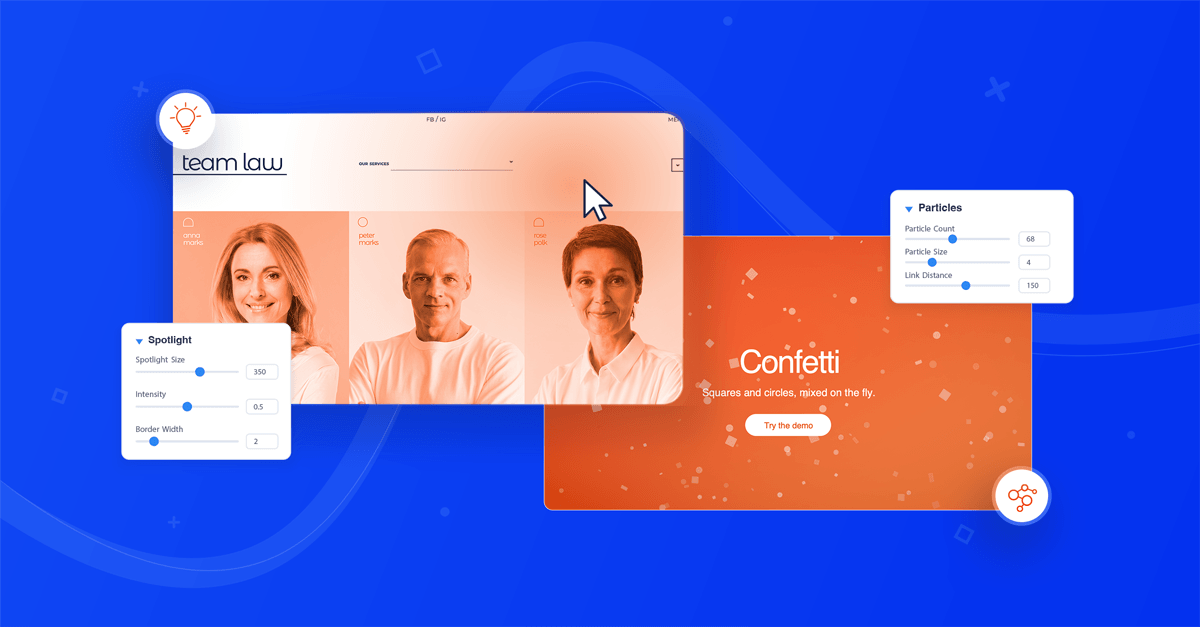
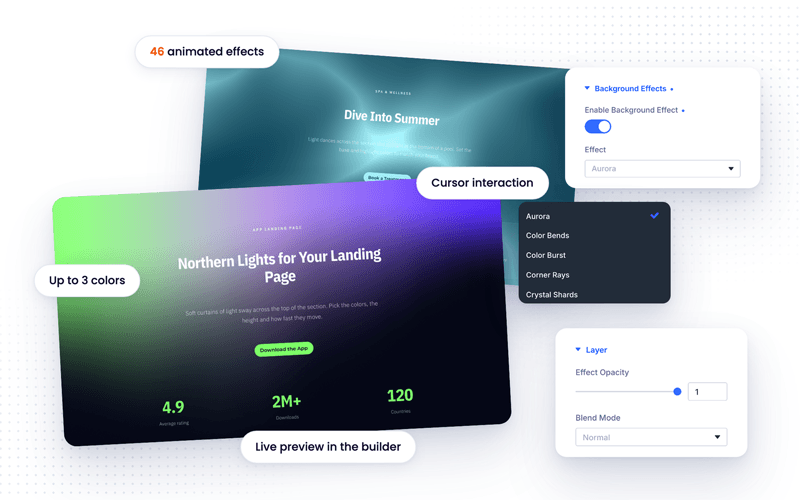
Background Effects adds a new Background Effects group to the Advanced tab of every Divi 5 section, row, column and module. Switch it on, pick an effect, and it paints behind the element's content: a slowly turning Galaxy, curtains of Aurora light, Fluid Ink stirred by the cursor, a neon Grid Room, Liquid Caustics like sunlight in a pool, Light Pillars, Pixel Snow and 39 more.
What you can control:
- 46 effects. Light and glow, gradients and color, lines and grids, space and depth, and a few retro, text and image effects. Each one has its own settings, like wave height or star density, with defaults that look finished the moment you pick it.
- Your colors. Recolor any effect with up to three colors and a Background Color, or keep its own palette.
- Speed and cursor. One Speed setting makes an effect calmer or livelier, and Mouse Interaction sets how strongly it reacts to the cursor, from off to twice its normal strength.
- Layer options. Fade the effect with Effect Opacity, mix it with the element's own background through a Blend Mode, choose the Render Quality, and draw it behind your content or in front of it. It never blocks a click either way.
- Any element. Put a full effect behind a hero section, or give each column in a row its own effect for a set of animated cards.
Animated Gradients: your gradients, in motion
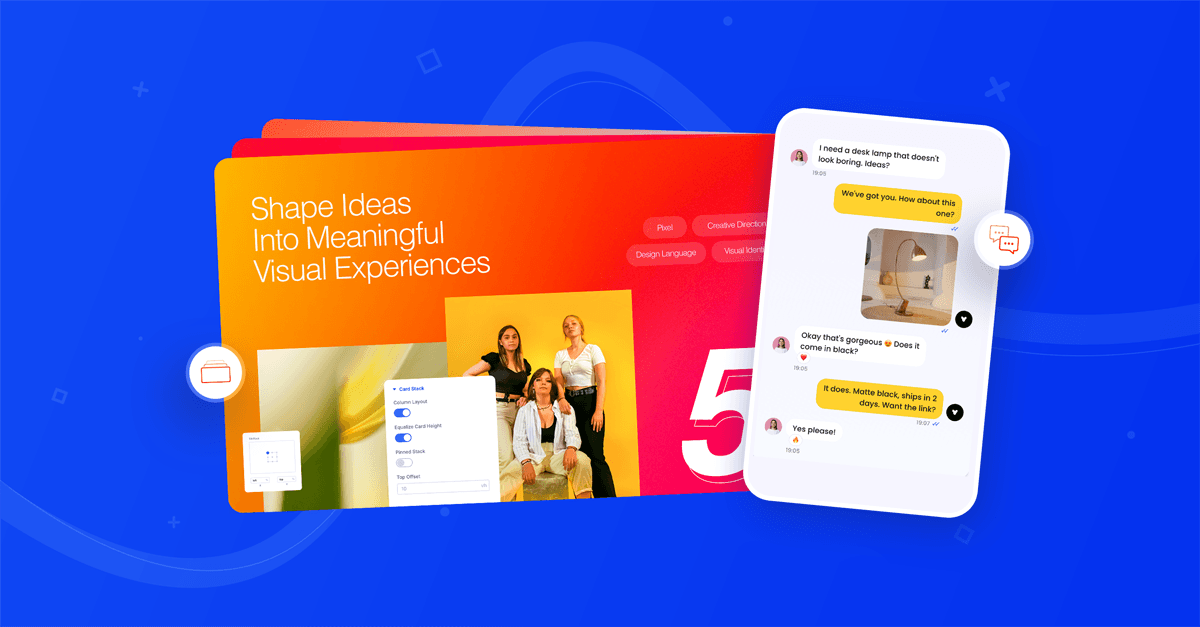
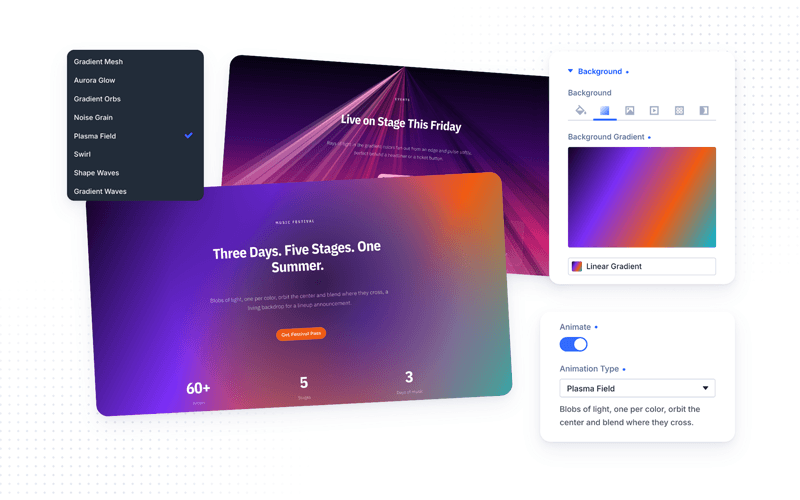
You already use gradients in Divi. Animated Gradients makes them move. Open the Background group of any section, row, column or module, switch to the Gradient tab and turn on Animate. The animation uses the gradient you set, with its own colors, positions and direction, so there is nothing new to design.
What you can control:
- 24 animation types. From simple Color Change, Linear Movement and Rotation to soft Gradient Mesh light, Aurora Glow, Seawaves, Light Rays, Lava Lamp, Holographic foil and Morphing Blobs. Scroll Gradient shifts colors and angle as the page scrolls.
- Settings for each type. Duration and easing for the classic movements, Size, Travel and Opacity for the soft-light types, and the type's own options, like the number of rays or wave height.
- Any gradient. Linear, circular, elliptical or conic, with as many color stops as you like, including global gradient colors. A background image on the same element keeps its blend mode, size and position.
- Lists, item by item. On modules that show a list, like Blog, Portfolio, Gallery or Filterable Grid, every item gets its own animated gradient.
Built to stay light
Both new features are designed to keep your pages fast. Nothing is loaded on pages that don't use them, and Background Effects only loads the scripts of the effects a page actually uses. Every effect and every gradient animation pauses as soon as it scrolls out of view, and slower effects are capped at 30 frames per second. Visitors whose system is set to reduce motion see a still frame instead of an animation.

How to use them
- Update Divi Pixel from Dashboard → Updates
- For the new features, turn on Enable Background Effects and Enable Animated Gradients under Divi → Divi Pixel → General
- Open a page in the Divi Visual Builder
- Add a Pixel QR Code module with +, or open any element's settings: Advanced → Background Effects for an animated background, or Background → Gradient → Animate for an animated gradient
- Adjust the settings and watch the result update live
Summary
This release adds the QR Code module for Divi 5: a code you build and style in the Visual Builder, with custom shapes, Divi backgrounds on every layer, a logo, frames and a PNG download button. It also adds two features for every Divi 5 element: Background Effects, with 46 animated backgrounds in your colors, and Animated Gradients, with 24 ways to animate the gradients you already use.
Update Divi Pixel from Dashboard → Updates to get all three. Not using Divi Pixel yet? It includes 50+ Divi 5 ready modules and dozens of theme and builder enhancements, backed by our 14 day money back guarantee. See Pricing
Want to see what others build with them, share your own layouts or ask questions? Join the Divi Pixel Community on Facebook. We'd love to see the codes, backgrounds and gradients you create.

Maciej Ekstedt
Maciej, co-founder of Divi Pixel, is a passionate web designer with over 15 years of experience. He has developed dozens of loved Divi products that have earned recognition from the global community. When he's not working on new ideas, he enjoys gardening, walking his dog, and spending time with friends.
Enhance your Divi Theme with Custom Settings and New Modules. Start Creating Awesome Websites with the Divi Pixel
We offer a 14 Day Money Back Guarantee, so joining is Risk-Free!